AMatriz Documentation System
A deterministic Markdown-to-PDF rendering system for technical writing, engineering notes, and professional export workflows.
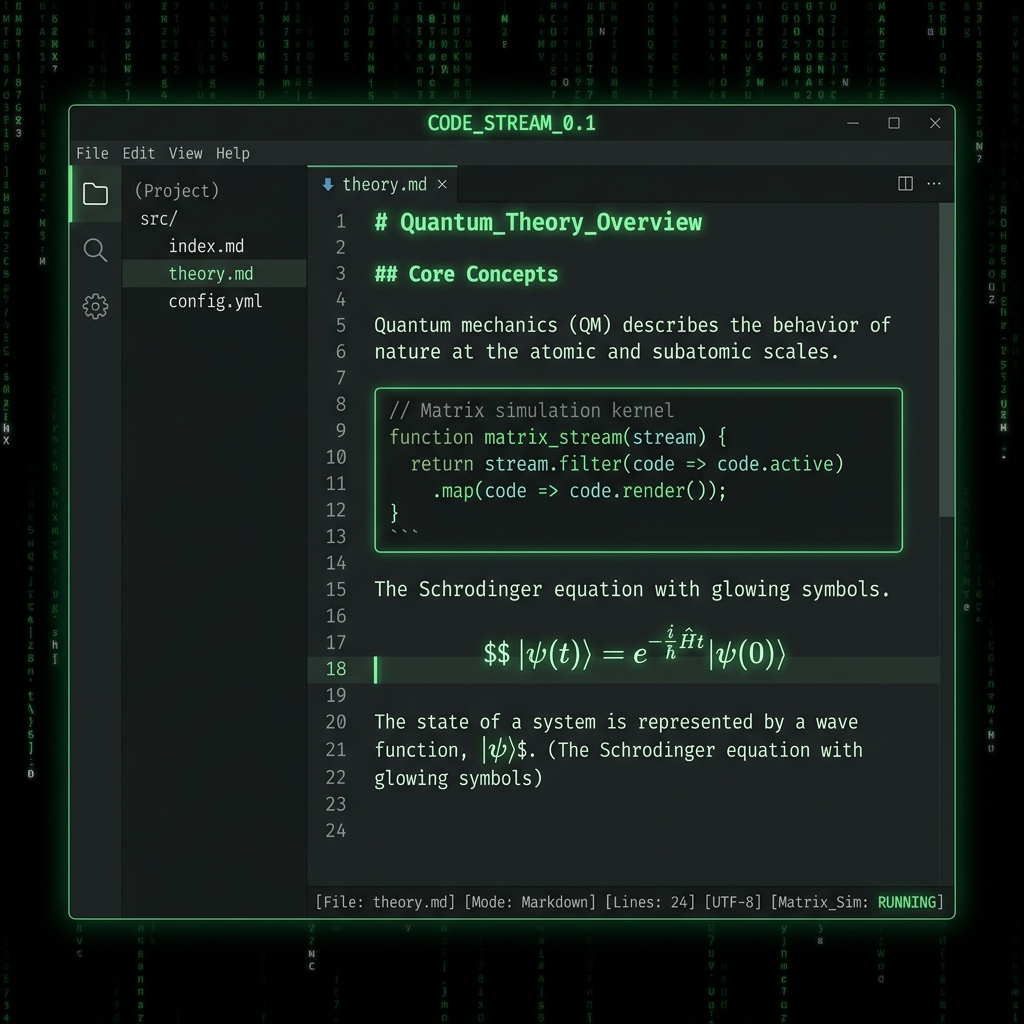
Featuring a highly readable green-on-black editor surface, customized code blocks, optimized tables, mathematical rendering support, deterministic pagination, clean multi-page code handling, repeatable table rendering, and print-safe document behaviour.
amatriz.css (v1.0.1)
Designed for screen-first engineering workflows. Employs a dark editor surface paired with a dark PDF export layout.
amatriz-print-white.css (v1.0.1)
Designed for publishable, print-ready documents. Maintains the glowing dark editor, but exports white-background PDFs for physical printing.
>_ AMatriz Markdown Primer & Live Editor
Experience the AMatriz rendering style live in your browser. This editor demonstrates a subset of Markdown (GFM) capabilities including headings, lists, blockquotes, code blocks, and tables. Note: Advanced Typora features like LaTeX math blocks and TOC generation are not supported in this web preview, but work perfectly in the native Typora app.