Couleur
Discreet Accessibility Color Assistant & Industrial Formulation Studio for Windows
Engineered for colour-blind and low-vision professionals, architects, electrical draftspeople, and industrial paint technicians. Point at anything on your screen with a 10x optical loupe across all monitors, hear colors named in plain language across 17 locales, explore Sound-of-Color musical sonification, match against 6 international color standards, and test metameric stability under a 6-illuminant light booth.
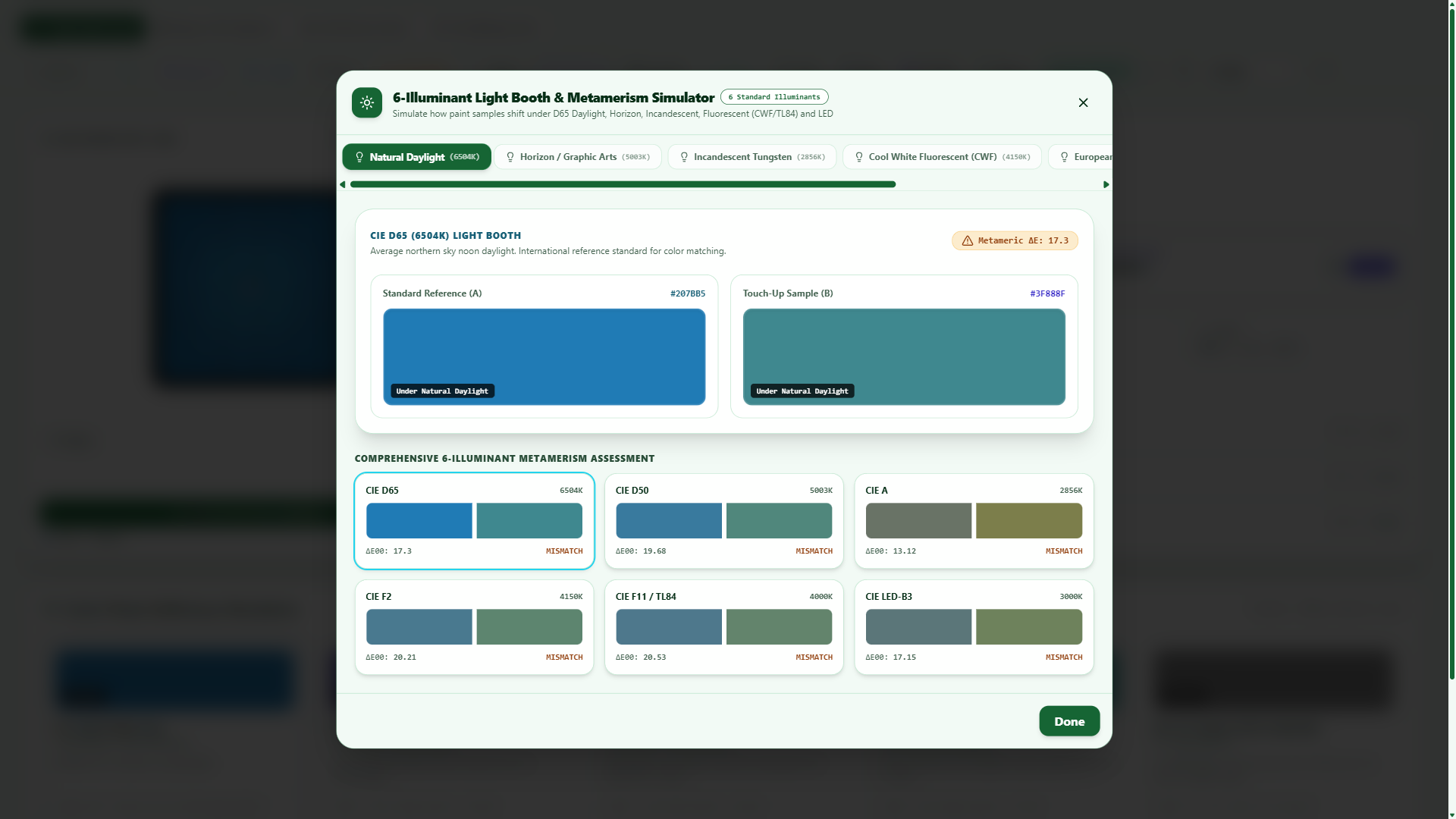 1. Light Booth
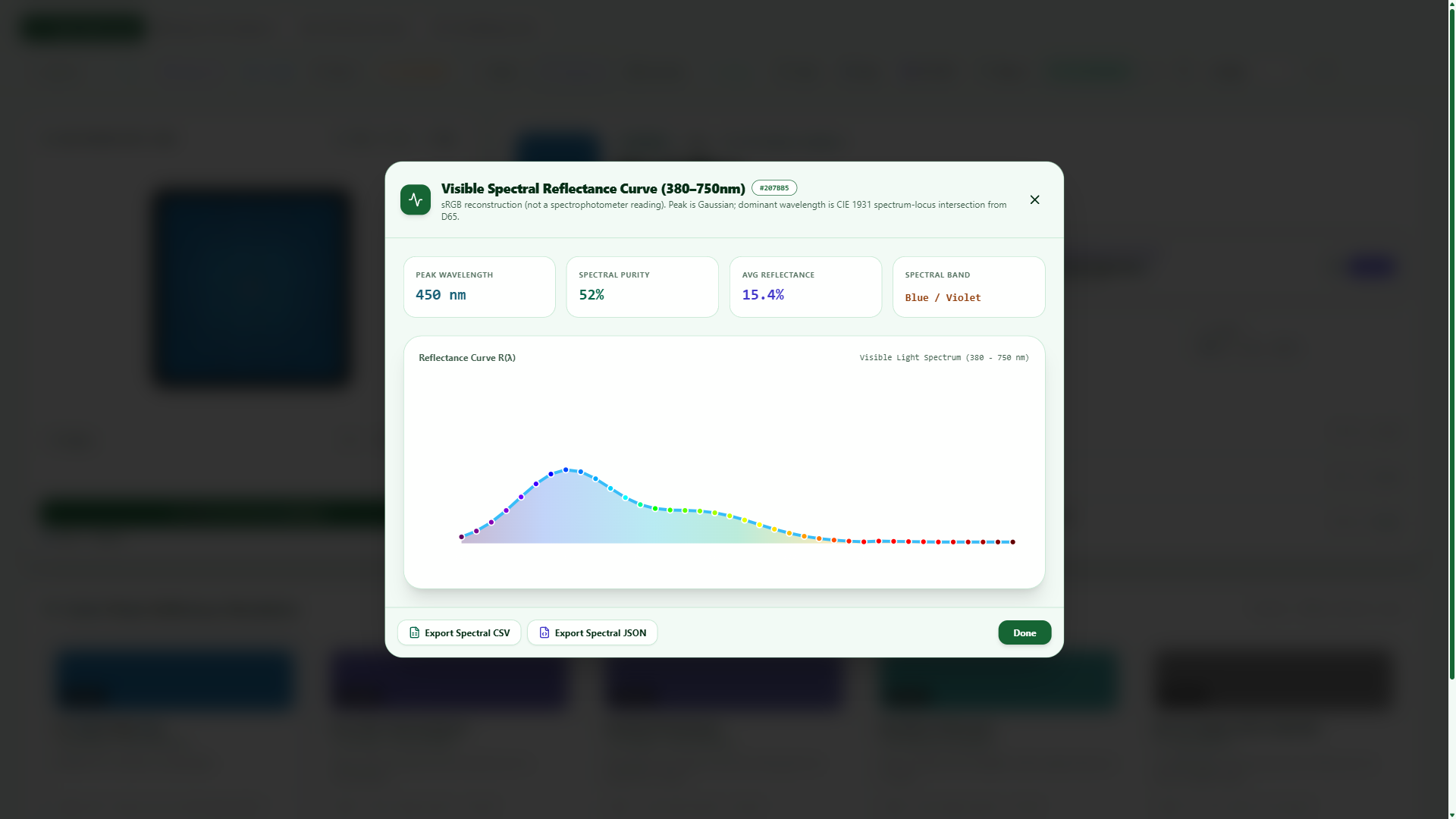 2. Spectral Curve
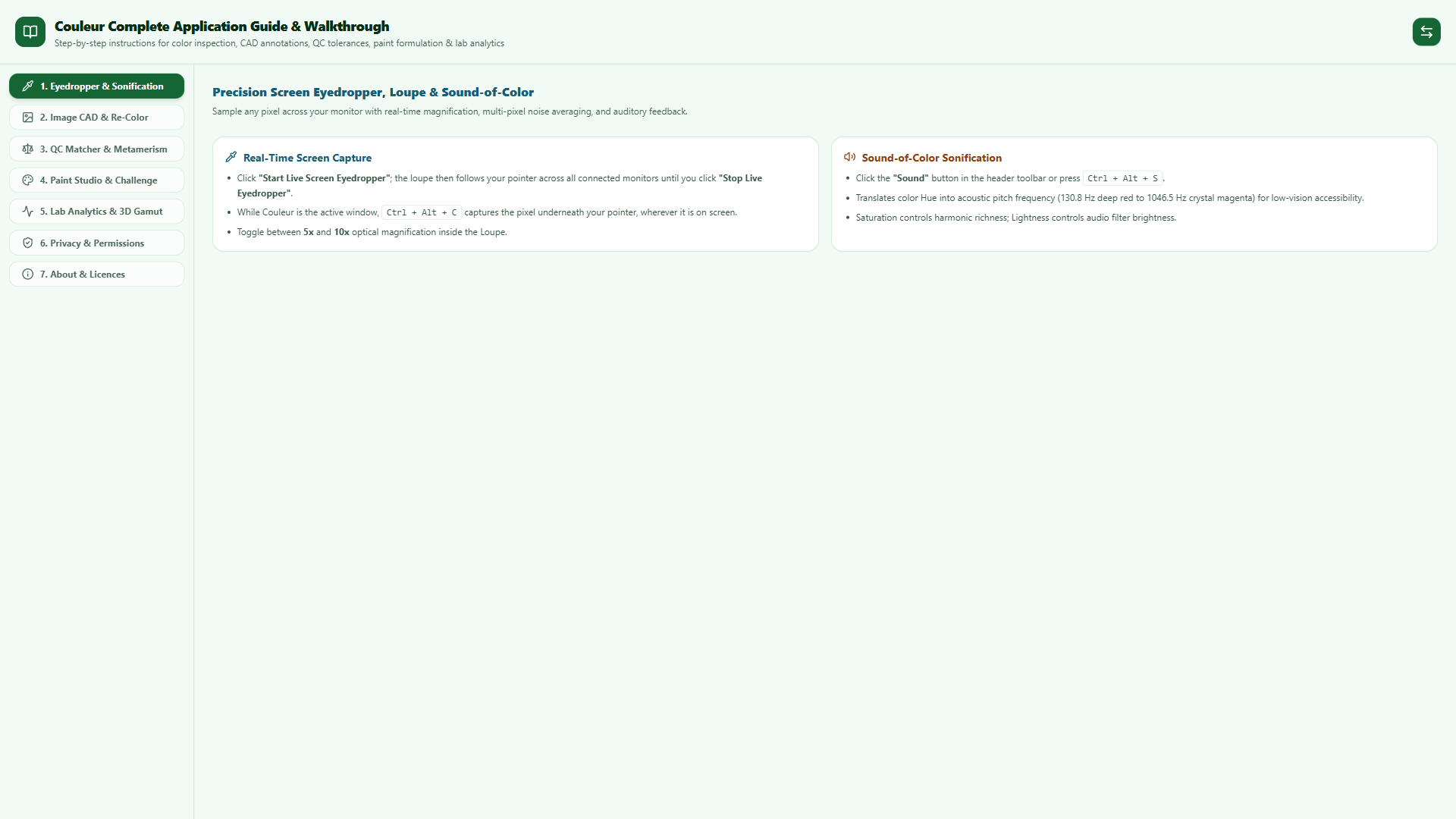 3. Live Eyedropper
 4. Offline Privacy
🎯 Core Capabilities & Architecture
🔍 Live Eyedropper & 10x Loupe
Sample pixels anywhere across all connected monitors with native Win32 GDI capture. Switch between 1x1 Point, 3x3 Smooth (9 px), and 5x5 Area (25 px) gamma-corrected linear energy averaging to suppress sensor noise and halftone dither.
🗣️ 17-Language Voice & Sonification
Everyday plain-language color naming in 17 complete locales with native Windows Text-to-Speech (TTS). Integrated Sound-of-Color Web Audio API synthesizer translates Hue into musical frequencies (130.8 Hz to 1046.5 Hz) for low-vision accessibility.
📐 6 Industrial Color Standards
Real-time nearest-code identification for AS 2700 (188 standards), BS 381C / BS 4800 (47 standards), US FS 595C (23 standards), Dulux Powdercoat / Colorbond® (24), Resene Total Colour (12), and nearest RAL Classic code (216).
💡 Light Booth & Metamerism
Simulate sample appearance shifts across 6 standard illuminants: D65 Daylight, D50 Horizon, A Incandescent, F2 Fluorescent, F11 Retail, and Warm LED. Flags metameric failure with CIEDE2000 ΔE tolerance grading and exportable QA certificates.
🎨 Paint Mixing Studio & Solver
Optical subtractive blending with 10 pure single-pigment concentrates and Titanium White scattering. Features a 3D Specular Matte-to-Gloss Sphere (0 to 100 GU), multi-stage coordinate descent recipe optimizer, 100-step undo stack, and commercial batch dispense cost calculator.
📊 Laboratory Spectrophotometry
Reconstructed visible spectral reflectance curve grapher (380 nm – 750 nm) with CIE 1931 dominant wavelength, 3D CIELAB color space gamut visualizer, and instant native AutoCAD (.acb) and Adobe (.ase) swatch book export.
⌨️ System Shortcuts & Navigation Cheat Sheet
| Shortcut | Context | Action / Function |
|---|---|---|
Ctrl + Alt + C |
Couleur Active | Sample pixel color under cursor anywhere on screen (active loupe) |
Ctrl + Alt + H |
Couleur Active | Toggle Always-on-Top Floating Mini-HUD mode |
Ctrl + Alt + S |
Couleur Active | Toggle Audio Color Sonification stream (Sound-of-Color) |
? or F1 |
Global | Open Keyboard Shortcuts & Built-In Guide modal |
Ctrl + Z / Ctrl + Y |
Paint Studio | Undo / Redo pigment dispensing history (100-step stack) |
Mouse Wheel |
CAD Canvas | AutoCAD-style smooth continuous zoom (0.05x to 64x) centered at pointer |
Double-Click |
CAD Canvas | Zoom to Fit (AutoCAD Zoom Extents) |
⚙️ Technical Specifications & Verification
| Operating System | Windows 11, Windows 10 (64-bit architecture) |
|---|---|
| Runtime Engine | Native Win32 Rust + Tauri + Microsoft Edge WebView2 Runtime |
| Package Identity | 54598ElectritectsPtyLtd.Couleur (MSIX Windows App Store package) |
| Color Science Engine | CIEDE2000 (Sharma / Luo-Rigg verified benchmarks), CIE 1931 xyY, CIELAB L*a*b*, Bradford Chromatic Adaptation |
| Audio Sonification | Web Audio API Sine Oscillator (130.8 Hz – 1046.5 Hz frequency mapping) |
| Automated Verification | 18 automated verification test suites across ~330 mathematical invariants (100% green pass) |
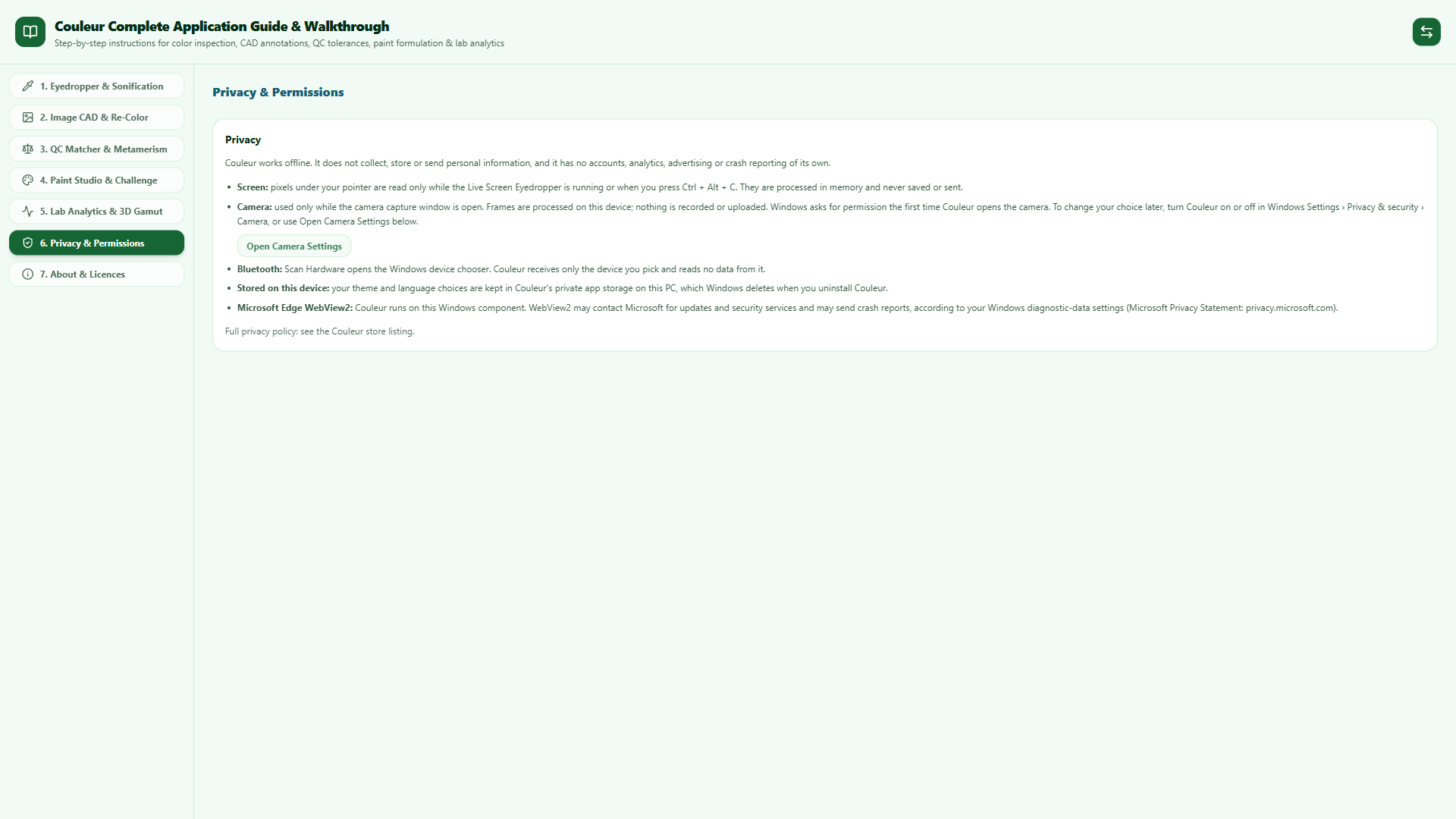
| Privacy & Telemetry | 100% Offline. Zero telemetry, zero analytics, zero external network connections. All screen pixels and camera frames processed strictly in volatile RAM. |
| Distribution | Official Microsoft Store • Product ID: 9NJX991KC5MF |
| Original 2017 Edition | Forever Free: Standalone original UWP release including User's Guide PDF • Download Couleur-UWP-2017.zip (448 KB) |
❓ Frequently Asked Questions
.acb) compatible with AutoCAD, Civil 3D, and Revit, as well as binary Adobe Swatch Exchange files (.ase) for Photoshop, Illustrator, and InDesign.