DWG Sheet Stream
High-performance sheet publishing and batch PDF-to-DWG conversion utility for Autodesk AutoCAD. Instantly stream layouts to drawing sheets and keep metadata in sync.
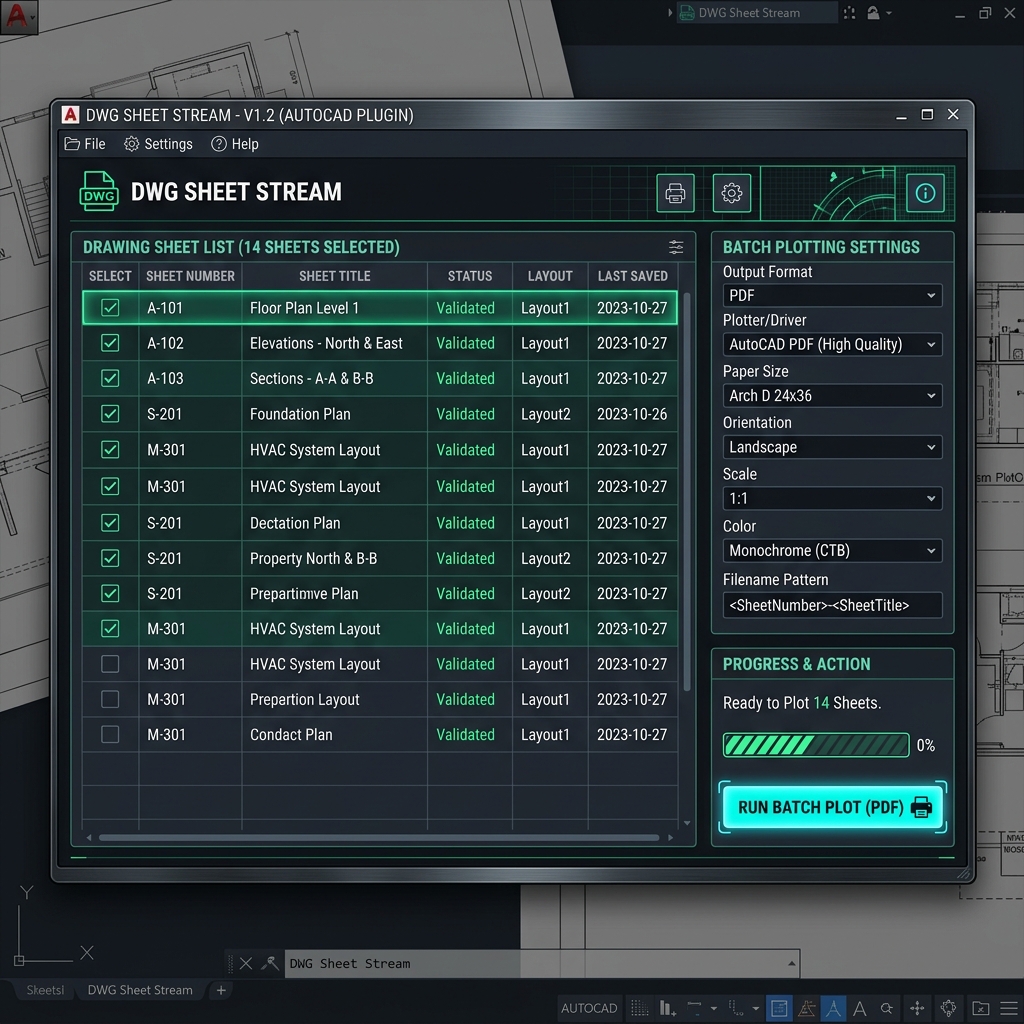
DWG Sheet Stream (DWGSS) is a professional, high-performance batch PDF-to-DWG conversion utility designed to automate and streamline sheet layout processing within AutoCAD. Built with a clean, responsive WPF interface and launched completely silently via a stealth background pipeline, it eliminates tedious manual single-file imports.
WPF Graphical Interface
Property-bound counts with high-priority MouseUp/KeyUp listeners. Preset configurations ComboBox (Default, Revit, Structural, Clean) for immediate checkbox states.
COM Automation Engine
Interface via AutoCAD.Application.25. Silent background operation with WScript.Shell stealth launch, suppressing file dialog prompts (FILEDIA=0, EXPERT=2).
Quick Start Guide
- Install DWG Sheet Stream from the Autodesk App Store (coming soon). The installer adds
DWGSS.bundleto your AutodeskApplicationPluginsfolder and AutoCAD loads it automatically. - Type
DWGSSin the AutoCAD command line. - Select your PDF files or folder tree, toggle post-processing options, and click Create DWGs.
>_ Post-Processing Pipeline
All cleanup operations execute sequentially inside a LISP transaction before saving the drawing sheet. Double backup files (.bak) are suppressed automatically.
Revit Ready Copy (_RR)
Saves a standard DWG first, then deletes hatches, wipeouts, solids, images, and regions via COM. Flattens drawing coordinates and moves remaining objects to a unified RVT-UNDERLAY layer for safe linking.
Smart Margin Auto-Correction
Detects standard sheet dimensions (A0-A4, Arch C-E) and auto-corrects Fit-to-Page scaling distortions by scaling drawing geometry back to exact architectural scale.
Automated OVERKILL & Purge
Eliminates overlapping and duplicate linework, and runs a triple-pass purge cycle (PURGE ALL) to fully clean nested block references.
Text Normalization & Merging
Consolidates disjointed text strings into multi-line MText blocks using AutoCAD's native text merge and standardizes characters to uppercase silently.
>_ Headless CLI Mode
Run automated drawing publishing silently in the background. Spin up dedicated, isolated AutoCAD COM instances without hijacking your active desktop session.
powershell.exe -ExecutionPolicy Bypass -File "DWGSS_UI.ps1" `
    -Batch `
    -InputPath "C:\Project\PDFs" `
    -OutputPath "C:\Project\DWGSS_Output" `
    -RevitReady `
    -Recursive
>_ LISP Compilation
Compile the AutoLISP entry point into compiled bytecode (FAS) within AutoCAD to secure your distribution:
(vlisp-compile 'st "C:\\path\\to\\DWGSS.lsp")